Website
How to Redesign Your Website Without Losing Your Google Rankings
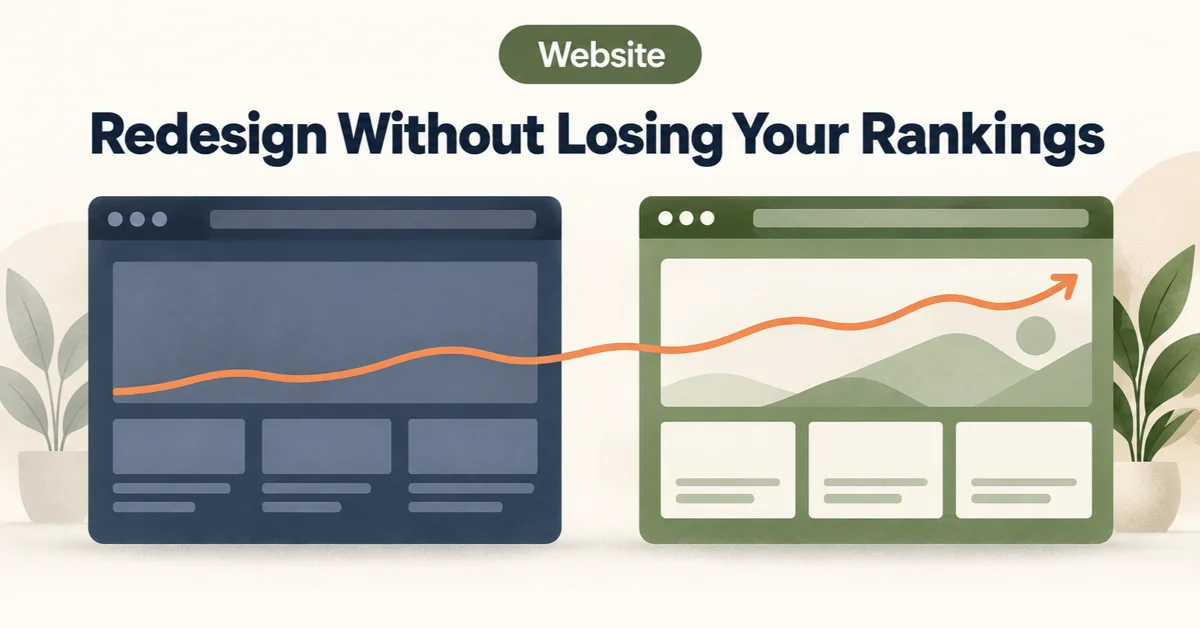
A Redesign Is the Riskiest Thing You Can Do to Your SEO
A new website launches, it looks far better than the old one, and three months later enquiries are down. Nobody connects the two, because the redesign was a success by every visible measure.
The design is rarely the problem. The problem is what a redesign quietly changes underneath it: URLs, page content, site structure, load speed, sometimes the domain itself. Every one of those is something Google has spent months or years learning about your site, and a redesign asks it to learn them again. Done carefully, that costs you a few weeks. Done carelessly, it can cost you the rankings the old site spent years earning.
We know how this feels from the inside, because we did it to our own site. On 31 July 2026 we rebuilt byteharvests.com off WordPress. What followed is the most useful thing we can tell you about redesigns.
What Happened When We Did It to Ourselves
Nine days after launch, a crawl review showed Google spending roughly two-thirds of its crawling on old WordPress URLs that no longer existed, while 15 live pages had not been fetched at all. The new site was fine. Google’s picture of the old one was not.
The fix was a redirect map: 64 old blog URLs and 181 old location URLs pointed at their new equivalents, and WordPress system files with no equivalent returned “gone” instead of a redirect. Then came the part nobody warns you about, which is waiting. It took weeks, not days, for Google to work through the old addresses, and as of this month Search Console still lists more than 80 old URLs as “page with redirect”. That is not an error. It is Google recording that it found the old address and followed it, and it fades on its own.
Two things we would tell any business: a migration that looks finished on launch day is not finished until Google agrees, and the work that decides the outcome happens before launch, not after.
The Checklist
- Benchmark before you touch anything. Export your top pages and top search queries from Search Console for the last 90 days, and crawl the current site to list every URL. It is the only way to tell afterwards whether a dip is real, and which pages deserve the most protection.
- Keep URLs the same wherever you can. The safest redirect is the one you never need. If a page ranks, its address should survive the redesign unless there is a strong reason to change it. A rebrand often changes the design, the domain and the URL structure in one go, which is the riskiest combination there is, and a familiar one for startups rebuilding after a funding round, as many in Koramangala do. Change them in stages if you can.
- Map every old URL, including the ones your CMS does not know about. The list your CMS gives you is not the list Google knows. Ours came from Google, not the CMS: the coverage review surfaced old service-by-area pages that nothing in the new build referenced. Build your list from four places: a fresh crawl, Search Console, your analytics landing pages, and your backlinks. In India, add one more. Business directories such as JustDial, Sulekha and IndiaMART, along with your Google Business Profile, hold links to your old URLs and are rarely updated. A working redirect keeps those links useful, and you should update the website link on your Google Business Profile yourself.
- Redirect each old URL to its closest equivalent, in a single hop. Use permanent (301) redirects, and send every old page to the page that genuinely replaces it. Sending everything to the homepage looks tidy, but Google generally treats a redirect to an unrelated page as a “soft 404” and does not carry the value across. Avoid chains as well, where an old URL goes to an intermediate one and then to the final page. When we later merged posts on our own blog, we found older redirect rules that would have turned into two-hop chains, and rewrote them to point straight at the final page. Every extra hop is another request for a crawler and another place for something to break.
- Let genuinely dead pages stay dead. If an old URL has no real equivalent, a “410 gone” response is more honest than redirecting it somewhere unrelated. We did this for old WordPress system files.
- Carry over what ranks. Redesign the look, not the pages that earn your traffic: keep titles, headings, body copy, internal links, structured data and canonical tags on the pages that matter. For image-led businesses, such as the interior-design and restaurant portfolios common in Indiranagar, keep image file names and alt text too, because image search is part of how those businesses get found. Functional pages matter just as much. An admissions enquiry, an appointment booking or a property listing is often the page people bookmark and share, so check those survive at the same address. The schools, clinics and property businesses around Whitefield rely on exactly these pages.
- Check the launch-day traps. Look at robots.txt, the meta robots tag and the response headers on the live site. A “noindex” tag or a blanket “Disallow” left over from staging is one of the most common and most expensive mistakes in this whole process, and it takes a single line to cause. Then update the sitemap with the new URLs only and accurate dates, resubmit it in Search Console, and point your internal links straight at the new URLs rather than through the redirects.
- Test the redirects on the live site. Take a sample of real old URLs, including a few from directories and old blog posts, and follow them in a browser. Each should land on the right page in one hop and end with a 200. A redirect map that looks right in a spreadsheet can still fail on the server, and testing is the only way to know.
- Keep the redirects for a long time, and hold back new pages for a while. Google’s own guidance on site moves is to keep redirects in place for at least a year. And once the redirects are live, resist the urge to launch a burst of new pages. We held back new service and location pages for over a month, so that Google’s crawling went on working through the old-to-new map instead of competing with new URLs. Expect a dip for a few weeks even in a clean migration. A sustained drop means something is wrong, and because you benchmarked in step 1, you will be able to see it.
Three Questions to Ask Before You Approve a Redesign
Whoever is building it, ask these before the design is signed off:
- Can I see the redirect map now, before launch?
- What are you benchmarking, and when will we compare?
- Who checks robots.txt and noindex on launch day?
If the answers are vague, the risk is sitting there unexamined. Our website development and SEO teams work on these questions together, and if a redesign is on your list, the time to have that conversation is before the design is approved, not after the traffic has moved.
Planning a redesign?
Ask the three questions above before the design is signed off. Book a free 30-minute consultation with our website development and SEO teams — no pitch, just an honest read of the risks.
Book a Free Consultation →